Wi-Fi installation and network management for SMEs, measured before and after
Wi-Fi installation and IT services for hotels, restaurants and SMEs in Belgium. We measure where your signal drops and design a network for busy buildings, so guests and staff stay connected.
Local · In writing in Dutch, French or English · All-in-one · Free intake
Local · In writing in Dutch, French or English · All-in-one · Free intake
Genuinely 24/7
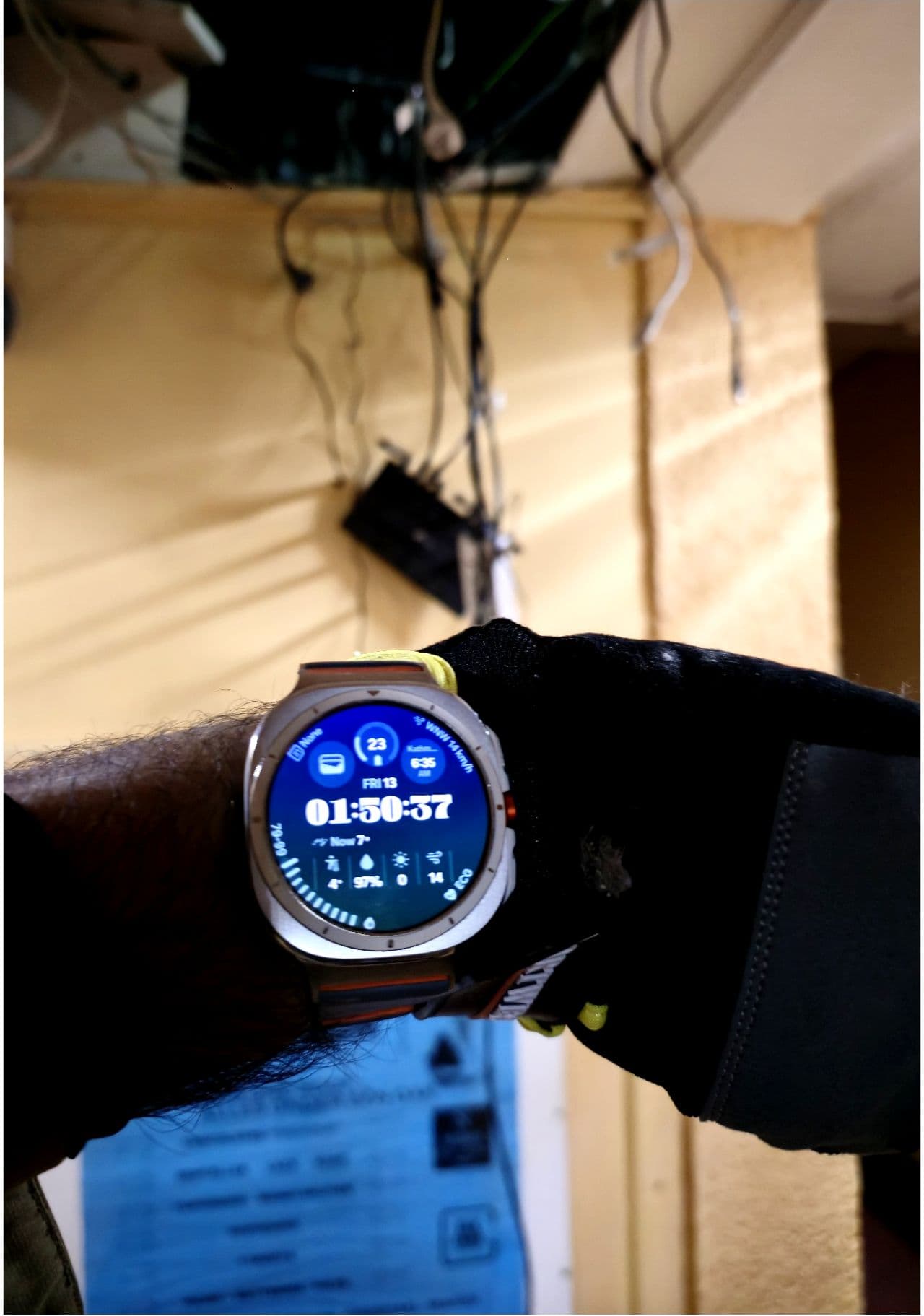
Friday, 01:50 AM. Keeping a business network online.
Wi-Fi down, even at night or at the weekend? For Wi-Fi faults you can reach us 24/7, with no call centre or queue. On-site visits are by appointment.
Call us when it's downFor businesses
Hotels, restaurants, offices and shops. This page is about them.
Sample survey report
See where the Wi-Fi drops
In a survey we walk every room with a measuring device and put the signal strength on the plan of your building. This example is a fictional hotel floor: first a single router at reception, then two access points. The colours are an illustration, not a measurement.
34% of the floor reaches -67 dBm or better
Fictional building, calculated with a simple model. Your report shows real measurements.
Signal in dBm
- ≥ -60 Strong: video calls and the card terminal work
- -60 … -67 Good: calls over Wi-Fi work
- -67 … -75 Weak: browsing works, calls break up
- < -75 Drops out
-67 dBm is the usual minimum for calls over Wi-Fi. dBm is the unit of signal strength: the closer to zero, the stronger.
What your report contains
- A map per floor like this one, but measured
- The weak spots, per room or area
- Which neighbouring networks sit on your channels
- A placement plan, with a written price before any work
Your network in three parts
Guests, staff and the card terminal kept apart
In many small businesses everything sits on one network, so a guest's phone sits next to the till. We split it into separate networks (VLANs), and the firewall decides which part may talk to which.
Firewall
decides who may talk to whom
Staff
Laptops, till PC, printer and booking system
Guests
Guests' phones and laptops, internet only
Card terminal
Only the connection to the payment provider
What is allowed and what is not
- Guest → internetallowed
- Guest → till, printer or booking systemblocked
- Guest → other guestsblocked
- Staff → printer and booking systemallowed
- Card terminal → payment providerallowed
- Card terminal → rest of the networkblocked
After the installation we check this with a device on the guest network.
What we do as your IT partner
- Hotel & restaurant Wi-Fi installation: complete network design or upgrade your existing system
- Find and fix weak spots: we measure the signal on site and place commercial-grade access points where the measurement says they are needed
- Guest Wi-Fi separate from your business network: your till and customer data stay apart from the network your guests use
- Network monitoring and support: we can follow your network remotely and step in when something goes wrong
- Room for busy moments: a network sized for a full house, a conference or the dinner rush
A good fit for
- Hotels with guest complaints about Wi-Fi coverage or speed
- Restaurants needing reliable POS and guest Wi-Fi
- Offices and practices where the connection is slow or drops
- Any business that loses sales when the internet is down
- Homeowners who want Wi-Fi in the whole house, from basement to attic: Wi-Fi at home
The Wi-Fi drops on the terrace, and also in the back office, in the warehouse aisle and in the spare bedroom you turned into a home office. Guests complain, card readers stall during the dinner rush, a video call freezes mid-sentence, and someone ends up in the hallway holding a phone in the air. Most of it comes down to a network that was never built for the space it has to cover.
We design, install and maintain Wi-Fi for hotels, restaurants, offices, shops, warehouses, clinics and practices across Belgium: Ghent, Aalst, Ninove, Brussels, wherever you are. We also fix weak spots in private homes, so the far bedroom and the garden office get a usable signal. We work with commercial-grade gear such as UniFi access points, place them where your walls and your busy corners need them, and keep the guest or visitor network separate from your business systems. If you also choose remote monitoring, a drop shows up on our screen as well.
Read moreShow less
See also: Wi-Fi for restaurants and cafés, Wi-Fi for hotels and 24/7 help when the Wi-Fi fails.
How we work
1
Free online call (30 minutes)
You tell us where the Wi-Fi drops out. If we need to measure on site, we come after the call
2
Custom network design
Tailored to your building layout and user density
3
Professional installation
Commercial-grade equipment, proper cabling, optimal placement
4
Testing & optimization
We measure again after installation to check the coverage
5
Ongoing support
Monitoring, updates and a quick response when you need us
What you get
- Measurements per room before and after the work, marked on your floor plan
- Access points placed where the measurement says they are needed
- Guests, staff and the card terminal on separate networks
- Enough bandwidth per user, with headroom for busy periods
- A written overview of what we installed and where
- For homes: fewer drops between floors and less buffering
Get started
Custom quote, no obligation. First a free 30-minute online call, then we come on site if it's needed. You get a written price before any work.
Who comes to your place
Aman Yadav
Founder of Fluxive
You deal with the same person from the first appointment until after the handover, with no call centre in between. Conversations are in English.
- Brusselstraat 90
9400 Ninove - Company no. 1029.968.269
Check the public register - +32 472 92 57 41
Good to know
Frequently asked questions
Can you set up guest Wi-Fi for my hotel or restaurant?
Yes. We install guest Wi-Fi that keeps your customers online while staying separate from your own business network, so a guest device has no route to your till or booking system. We cover hotels, restaurants and cafés across Ninove, Aalst, Ghent, Brussels and the rest of Belgium.
How do I fix Wi-Fi dead zones in my building?
We do a site survey to find where the signal drops, then place access points where the measurement shows they are needed. That includes tricky spots like thick stone walls, cellars, upstairs rooms and outdoor terraces.
Does the Wi-Fi cover my terrace and payment terminals too?
Yes. We plan coverage for the terrace and beer garden, and we make sure card payment terminals and POS tills stay on a stable, secure connection so payments do not drop during a busy service.
How long does a Wi-Fi installation take and what does it cost?
A small café is often done in a day; a larger hotel takes longer and may need some cabling. Cost depends on the size of the building and how many access points you need, so we give you a fixed quote after a short online call and, where needed, a visit on site, with no surprise extras.
Do I have to close my restaurant or hotel during the installation?
No, in almost all cases you stay open. We plan the work around your service hours, do the disruptive parts outside busy moments and switch over to the new network at a quiet time, so your guests barely notice anything happened.
Can you work with my existing router, cabling or internet provider?
Usually, yes. We start by assessing what you already have (provider, router, cabling, access points) and keep whatever still does the job. You only replace what genuinely holds your network back, and we explain why before anything gets ordered.
Is my guests' data safe on the Wi-Fi, and is it GDPR-compliant?
We set up guest Wi-Fi with GDPR in mind: the guest network is isolated from your business systems and we do not collect more guest data than the setup needs. We also walk you through what is logged and why, so you can answer guest questions with confidence.
What happens after the installation: am I on my own?
No. You get a network that is documented and explained in plain language, and if you want, we stay on board with a support arrangement for monitoring, updates and quick help when something acts up.
Related reading
CRS 2.0: what the new cash register asks of your network
CRS 2.0 is mandatory for new restaurants and caterers since 1 July 2026, and its black box now sends every sale online to FPS Finance. Here is what that means for the internet connection behind your till, and what to check before the supplier comes.
Read moreFree guest Wi-Fi in Belgium: which rules apply, and what about GDPR?
The Wi-Fi code is on the counter, the network has run for years, and nobody ever asked whether it was set up by the rules. Am I liable for what guests do online? What am I allowed to do with the email addresses my login page collects? This article sets out the rules for guest Wi-Fi in a Belgian hotel, restaurant or café.
Read moreExplore related services
Security Awareness Training for Staff
A workshop at your premises: live demos on our own devices, practice with the scam emails Belgian businesses receive, and clear rules your staff can apply the next morning. For small businesses, offices, hotels and local councils.
Web Design & Website Development
Have a professional website or webshop built in Belgium, with no agency in between. We design it for the phone first, measure its speed before launch and make sure every page leads to a booking or a call.